
In the context of modern digital marketing, work Facebook Advertising Data Analysis effectively is a key factor to optimize operations and enhance ROI investment performance. To achieve a comprehensive and profound overview of advertising performance, merging the data into a focused report platform such as Looker Studio is necessary. This foundation allows for the building of the Ads Facebook Report visual and interactive. Below are four methods used by marketing professionals widely to convert Facebook Advertising Data on Looker Studio, from manual processes to advanced automation solutions, to build one Facebook Ads Dashboard Effective.
1. Manually Filling in Google Sheet
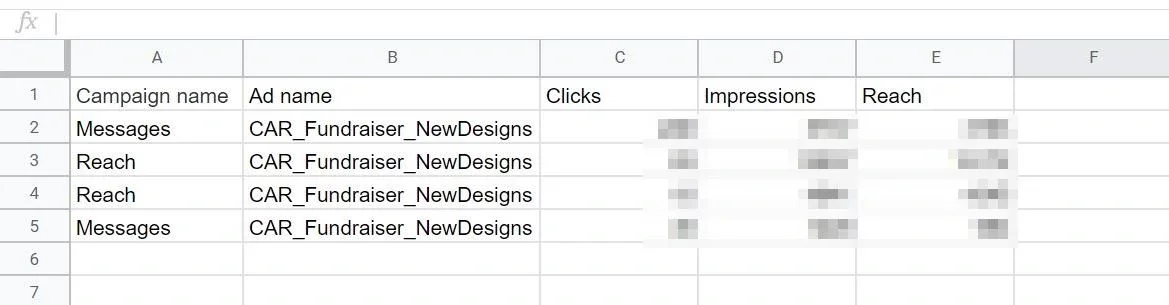
Basic Facebook report templates ads on Google Sheet
This method represents the most basic approach in data integration, often applied to small-scale campaigns or when asking for detailed control of data points as optimum.
- Performing process: Người dùng tiến hành truy cập Facebook Ads Manager, xác định khoảng thời gian và các chỉ số hiệu suất cần thiết, sau đó xuất báo cáo dưới dạng tệp CSV hoặc Excel. Dữ liệu sau đó được sao chép và dán một cách thủ công vào một Google Sheet đã được cấu trúc và định dạng trước. Google Sheet này sau đó sẽ được thiết lập như một nguồn dữ liệu cho Looker Studio, cho phép trực quan hóa.
- Ưu điểm nổi bật: Phương pháp này có tính đơn giản cao, không đòi hỏi việc triển khai các công cụ phức tạp, và đặc biệt phù hợp cho những cá nhân mới bắt đầu hoặc trong các trường hợp dữ liệu ít có sự biến động.
- Hạn chế: Tiêu tốn đáng kể thời gian và tiềm ẩn nguy cơ sai sót cao trong quá trình sao chép/dán dữ liệu. Điểm yếu lớn nhất là thiếu khả năng tự động cập nhật, khiến phương pháp này không thích hợp cho việc xử lý khối lượng dữ liệu lớn hoặc khi yêu cầu tần suất báo cáo cao. Điều này làm giảm hiệu quả của Ads Facebook Report tổng thể.
2. Kéo dữ liệu về Google Sheet tự động bằng ứng dụng Google Apps Script / Addons
Phương pháp này đại diện cho một sự cải tiến đáng kể về hiệu quả so với cách tiếp cận thủ công, thông qua việc ứng dụng các kịch bản lập trình scripts hoặc tiện ích mở rộng addons trong Google Sheet để tự động hóa quy trình xuất và nhập dữ liệu báo cáo quảng cáo Facebook ads lên dashboard.
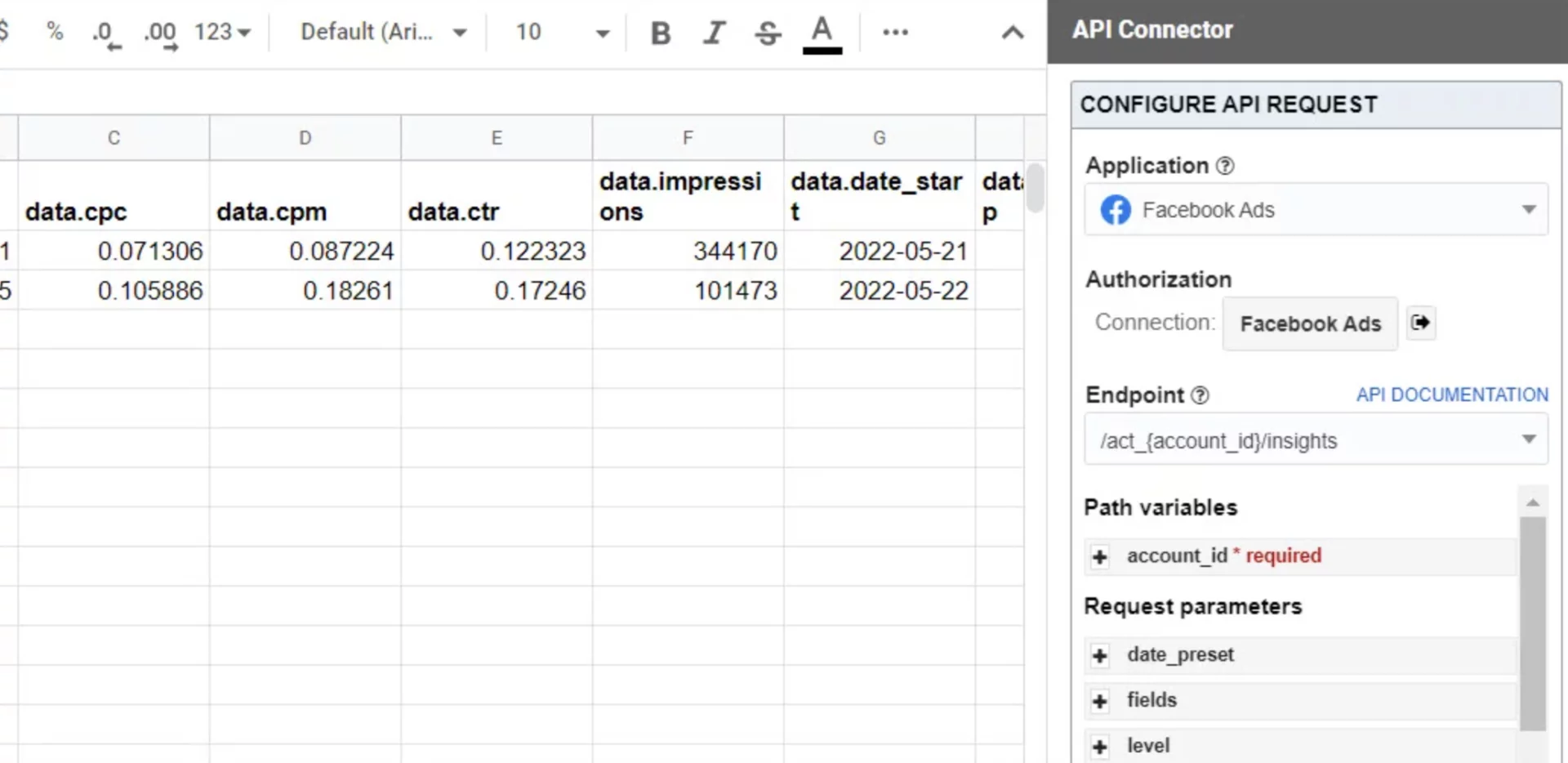
Hiện nay có nhiều công cụ hỗ trợ kéo data tự dộng từ trình quảng cáo facebook về google sheet
- Performing process: Using Google Apps scripts that allow self-releasing or the Addons to be available on Google Workspace Marketplace such as Supermetrics, Sheetgo, etc., the user settings direct API connection to the Facebook Ads platform. This script or utility will automatically trace the data to a preset schedule for example: daily, weekly, and fill out the calculations designated in Google Sheet. Google This Sheet is then linked as the source for Looker Studio, which allows for creation Facebook Ads Dashboard Automatic.
- Ưu điểm nổi bật: Automated the complete process of pulling the data, from which significantly reduced the manual error and saved significant time. The data is updated regularly, ensuring the timing of Automatic Facebook Report Ads.
- Hạn chế: It may require a certain level of programming knowledge if you develop the script yourself or the development costs for the Addons paying fees. Additionally, there may be a limit to the amount of data or update frequency depending on the character of the specific Addon.
Three. Pull! Facebook Advertising Data indirectly via Google BigQuery
For businesses operating with large, complex data masses and high requirements for advanced analysis capabilities, the conversion of data to Google BigQuery is considered an optimum and strategic option.
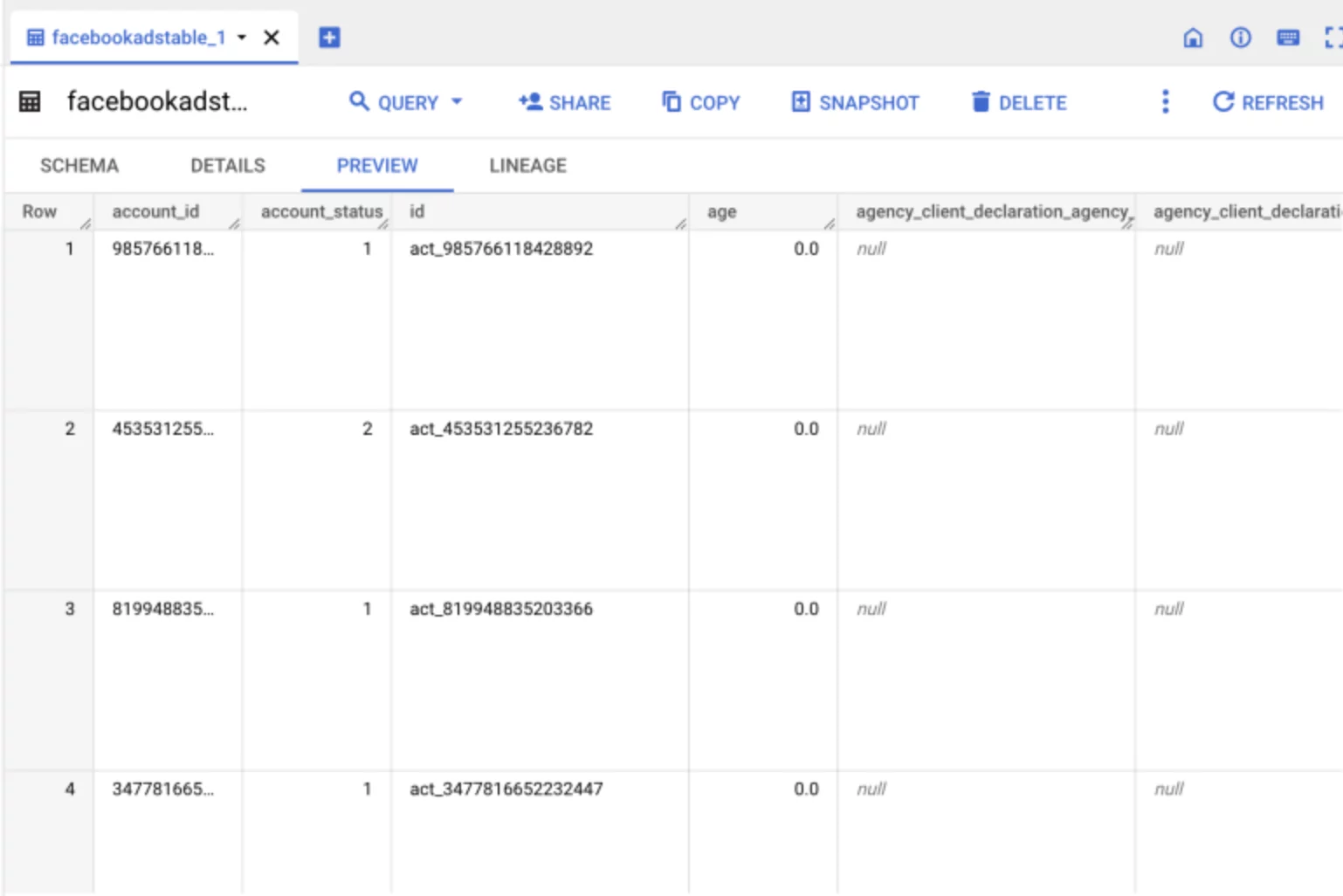
Drag Facebook Ads data to Big Zequey service archive, calculation and links with many other sources
- Performing process: Facebook Ads Data is quoted generally through the special ETL/ELT tool or third side connections such as Airbyte, Fivetran and Downloaded to Google BigQuery a UTA cloud data archive that has the ability to extend the extra scale. BigQuery is designed to store and process petabytes of data at extremely fast interrogation speed, supporting complex analysis tasks. Looker Studio will then establish direct connection to BigQuery to trace the data, creating one Facebook Ads Dashboard on a large scale.
- Ưu điểm nổi bật: Provides the ability to process data at extreme volume and the speed of cross-reference interrogation. This method allows for combining data from many other sources other than Facebook Ads, which facilitates extensive and multidimensional analysis. High data security and a solid basis for advanced Business Intelligence applications.
- Hạn chế: Ask for deep technical knowledge of BigQuery and ETL Processing, Transform, Load. It is possible to generate costs related to storage and data access in BigQuery, which increase the complexity of users with no technical background.
Four. Drag data directly with Data Connector Tool in Looker Studio
This is the most widely applied method and is often recommended for most marketers, especially when they use free reporting tools or have low investment costs.
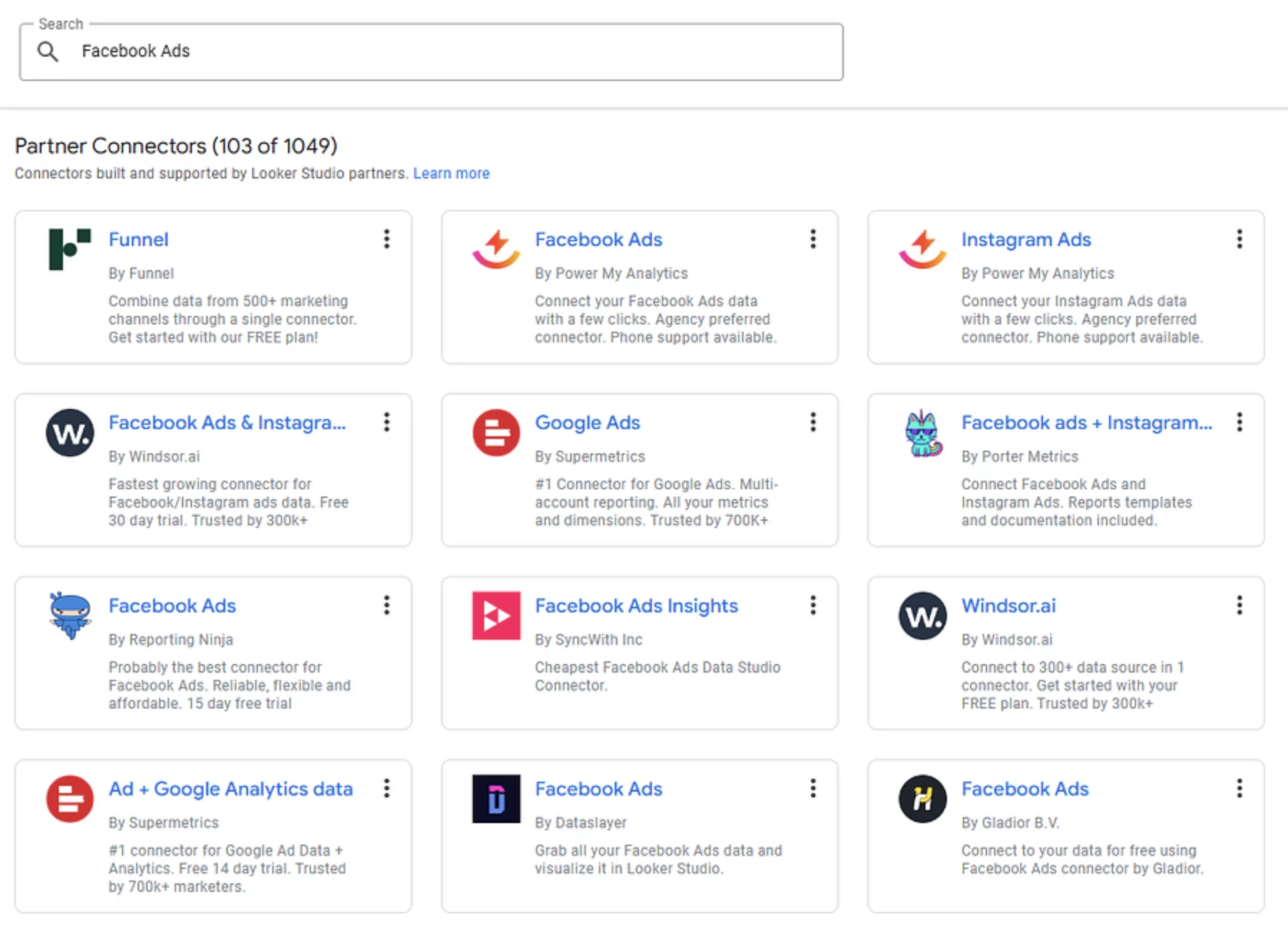
Looker studio supports many partner data connectors to help users pull live data and perform, build dashboard
- Performing process: Looker Studio integrated a rich library of Data Connector, including official connections from Google or from the third prestigious partners for example: Supermetrics, Ahmad.ai, Funnel.io, etc. Users only need to select connoctors that are suitable for Facebook Ads, conduct Facebook account logs and grants the necessary access rights. Connector would then pull the data directly about Looker Studio without passing intermediate steps such as Google Sheet or BigQuery, creating Ads Facebook Report Quick, quick.
- Ưu điểm nổi bật: The setting process is simple and quick. The data was automatically updated and in real time, significantly reduced the intermediate processing steps. Give high vision and convenience to users. Many connactors offer free versions or use tests to experience.
- Hạn chế: Free connactors can impose limits on the amount of data drawn, update frequency, or available integers/subscriptions. For higher-level connectors, users often need to pay a fee to fully use the feature.
Each approach presented above owns separate strengths and weaknesses, and therefore, fittings will depend on factors such as specific needs, data scale need to process and potential budgets of every business. Selecting the correct method of pulling data will be the determining factor that helps optimize the process Facebook Advertising And build a system. Automatic Facebook Report Ads Effective on Looker Studio, from which increased the ability to make strategic decisions.

